Best GPUs for Gamers: Buyer’s Guide 2026
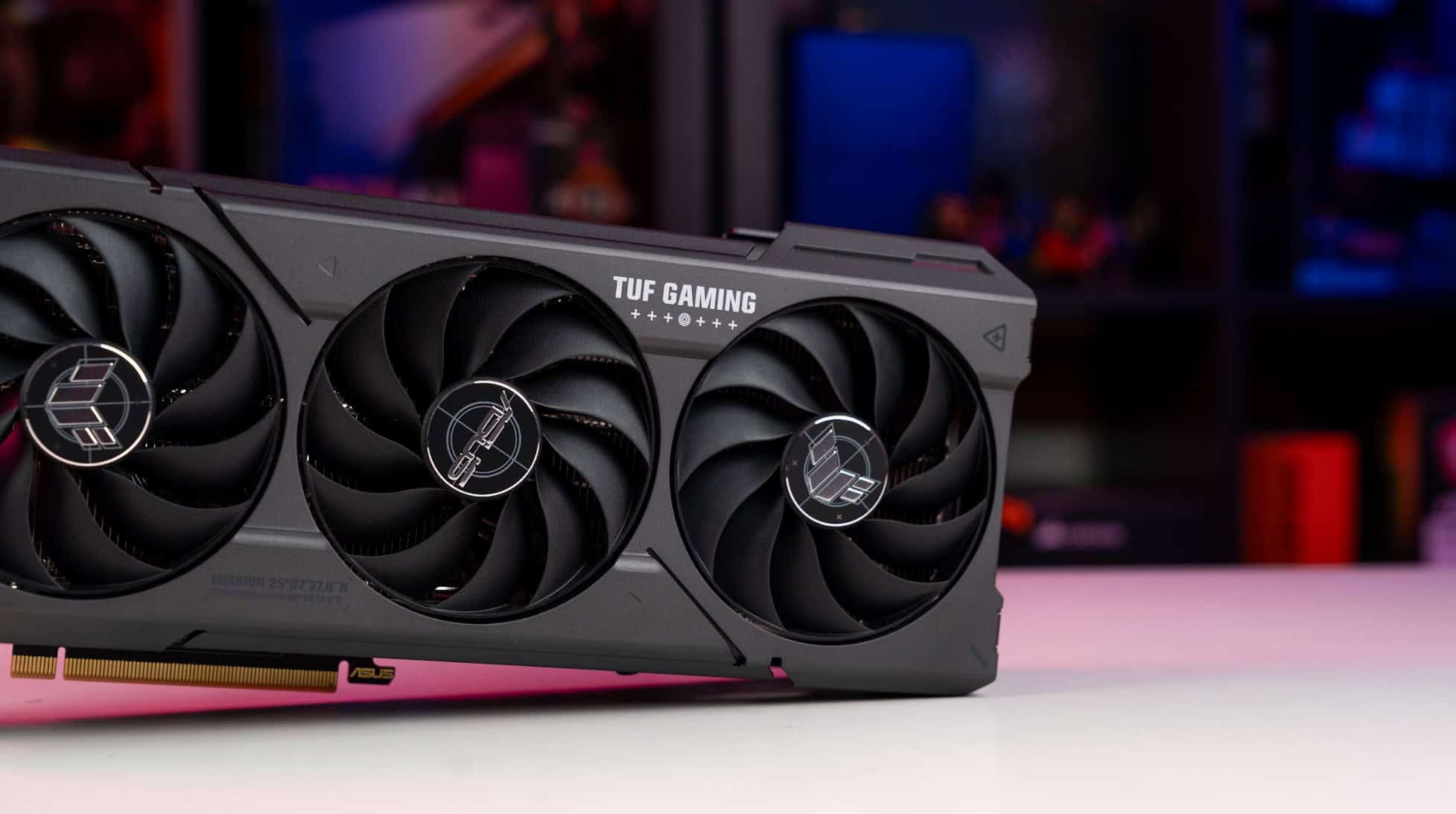
It’s both a good and a difficult time to be alive as a gamer. You’ve got eyes on lots of new games that are coming out. But that much-awaited GPU upgrade is becoming more like a headache.
Reasons? Well, there are too many options, first. Then the prices often don’t match the spec-sheets, and every review seems to contradict the last one. Spend too little, and you’re stuck lowering settings on every new game. Spend too much, and you’ve basically paid for performance you’ll never actually use.
So let me just break this down the way I’d explain it to a friend.
Why the GPU Still Matters More Than Almost Anything Else
Everything visual in your game runs through the GPU. Every shadow, every reflection, every frame. A beefy processor won’t save you if your graphics card is struggling.
And games in 2026 are genuinely demanding. Ray tracing used to be this flashy optional thing; now it’s just… on, by default, in most titles. The good news is that upscaling tech like DLSS and FSR has gotten really good. A mid-range card with smart upscaling can look nearly as good as something twice the price. That’s a big deal if you’re watching your budget.
What to Look For Before You Buy
VRAM is probably the most important number to pay attention to. 8GB is fine for 1080p. Bump up to 1440p, and you’ll want 12GB minimum. Targeting 4K? Go 16GB or don’t bother.
Clock speeds matter, but don’t obsess over them. A newer architecture with slightly lower clocks will often beat an older card with higher numbers. Design improvements compound over generations.
Oh, and cooling. People always skip this. A GPU that runs hot will literally slow itself down to avoid frying. Three-fan coolers and vapor chamber designs stay cooler and perform more consistently. The cheap single-fan options? They cut corners for a reason.
The Best Budget Pick: Where Value Lives
If you’re shopping for GPUs in 2026, the sweet spot for budget is around the $300 mark. You’ll find the best options from both AMD and NVIDIA that can easily handle 1080p at high settings, that too, without much hassle.
You get decent frame rates, upscaling support, and enough VRAM to stay usable for a few more years. If you mostly play competitive games, shooters, MOBAs, that kind of thing, you don’t need to spend more than this.
The one honest trade-off is ray tracing. It works, but you’ll need to dial other settings back to keep things smooth. For most people, that’s totally acceptable.
High-End Cards: For the Serious Enthusiast
Look, these cards are impressive. Genuinely. Smooth 4K at high refresh rates, ray tracing cranked up with no complaints. But they regularly cost $800–$1,000+.
Most people don’t need this if you’re gaming on a big 4K monitor with a 144Hz+ panel, sure, maybe. Or if you’re doing video editing or 3D work on the side. Otherwise, the diminishing returns are real. Even entertainment platforms like Casiny Casino deliver visually rich experiences that scale with whatever hardware you’re running. You really don’t need the top-shelf card to have a great time.
AMD vs. NVIDIA: Does It Still Matter?
Yes, but not dramatically. NVIDIA still leads on ray tracing, and DLSS edges out FSR in most head-to-heads. AMD punches harder on raw rasterization at certain price points. If you use your GPU for video editing or other creative work, NVIDIA’s ecosystem has more going for it.
For pure gaming? Just buy whichever has the better deal that week. Don’t be a brand loyalist about it.
Don’t Forget About Compatibility
Check your power supply before you buy anything. High-end cards can pull 300W+ under load. Confirm your motherboard has PCIe 4.0. Make sure your case has decent airflow.
The gaming hardware world has options for everyone, kind of like Jackpot World, where there’s genuinely something at every level. The trick is matching your purchase to your actual setup, not just buying the most impressive-sounding specs.
Target Your Needs, not the Hardware
There’s a solid GPU at every price point right now. Figure out your target resolution and refresh rate, match a card to those goals, and double-check everything fits together.
Compare benchmarks for the games you actually play, not synthetic scores. And honestly? Don’t overthink it. The best GPU is the one that fits your life, not just the most expensive box on the shelf.