6 Things to Check Before Choosing a Budgeting App
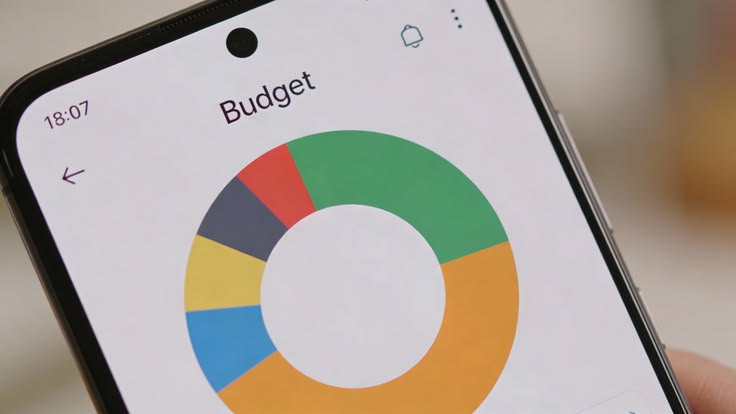
Most budgeting apps connect to your bank accounts, sort your spending into categories and show where the money goes, so the differences that matter sit in the details. Six checks on regulation, income handling, cost, data exports, sharing and daily use help separate the apps worth keeping from the ones that don’t suit the way a household earns and spends.
1. Regulation and Data Permissions
Start with whether the provider is regulated by the Financial Conduct Authority, since apps that read your account data through open banking need the right authorisation to do so. The company’s website should list its registration details, and you should be able to withdraw permission for data access whenever you choose. Apps that list both are the safer ones to install.
2. Handling Different Kinds of Income
Freelance invoices, child benefit and fostering payments all arrive on their own schedules and mean different things to a household, so look for custom categories or separate pots for each one. Labelling each income individually, instead of leaving everything in a single salary line, lets a foster carer, for example, compare those payments with the costs of looking after a child.
3. Free Features and Paid Plans
Free versions often cover account linking but leave monthly budgets, spending reports or extra linked accounts for paid plans, so list the two or three features you’d use every week and check whether the free tier includes them. Paying a few pounds a month only makes sense if those features get used regularly, and a free trial is the cheapest way to check this.
4. Exporting Your Data
Budgeting apps do get withdrawn, as Money Dashboard users found when it closed its apps in October 2023, so check whether the full transaction history can be downloaded as a spreadsheet before relying on it. Being able to export a year of records means the budget survives a change of app, and it also helps when preparing a tax return.
5. Sharing With a Partner or Household
Some apps, HyperJar among them, let you share budget jars with family members or friends, while others tie everything to one login. If two adults contribute to the household budget, check whether each can see the same figures, whether personal spending can stay private and whether the shared view still works on different phones and operating systems.
6. How Often You’ll Actually Open It
Install the free version of two apps, link one account to each and see which one you open over a fortnight, because the best choice is usually the one that fits an existing routine. Notifications, a clear home screen and quick manual entry for cash spending all affect that, so test them with real transactions rather than judging from screenshots.
Notes on what each app did well and badly during the trial make the final decision easier, and the best pick is the one that handled the household’s income and sharing needs with the least manual work, even if it has fewer features than the alternatives.