Scaling Pinterest Video Pins by 10X Using Vidnoz AI Automated Workflows
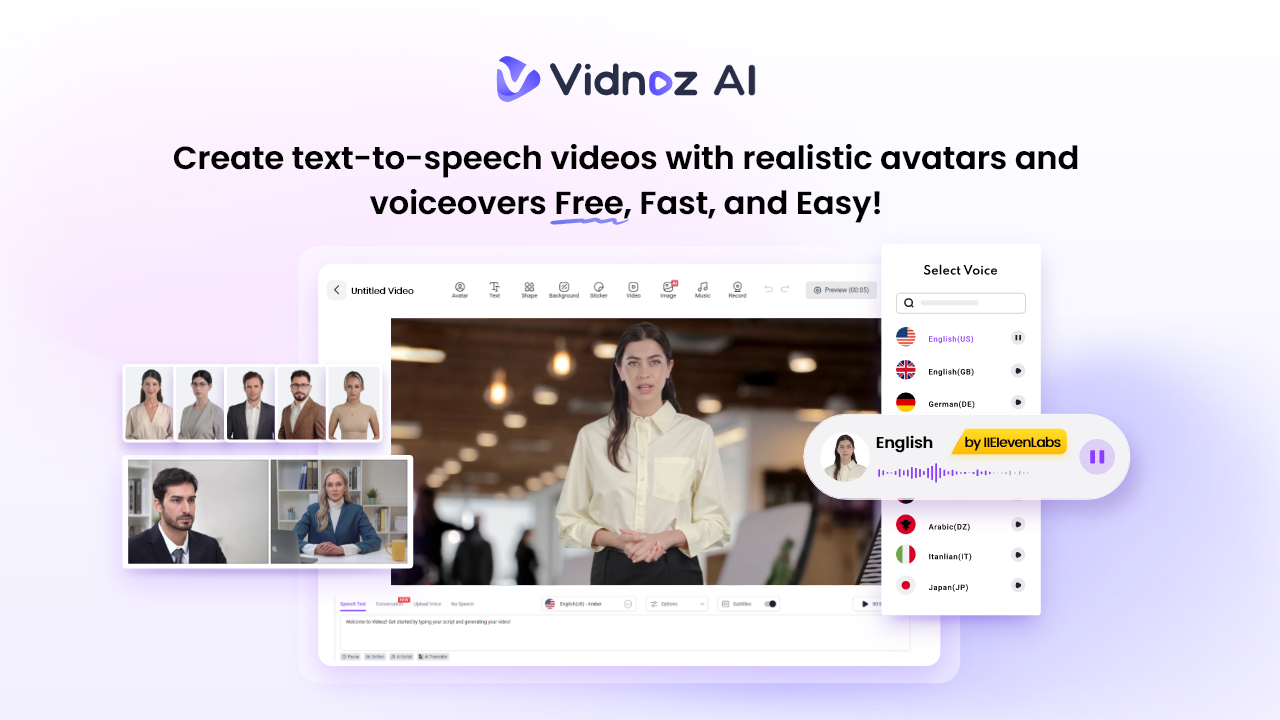
Pinterest has become a powerful platform for brands, creators, and marketers looking to drive traffic and increase audience engagement through visual content. However, creating video Pins can be time-consuming, especially when managing multiple campaigns. Vidnoz AI makes it easier to scale Pinterest video content by automating key parts of the creation process. In this guide, we’ll explore how to use Vidnoz AI’s automated workflow to create, optimize, and publish Pinterest video Pins at scale while saving time and maintaining consistent content quality.
Part 1: What is Vidnoz AI?
Vidnoz AI is an easy-to-use AI-powered video creation platform designed to help users produce professional-looking videos without requiring advanced editing skills. It provides tools for generating videos from text, creating AI avatar presentations, adding realistic voiceovers, and customizing ready-made templates. For Pinterest marketers, Vidnoz AI can simplify the process of producing video Pins at scale. Instead of creating every video manually, marketers can use its templates, AI voices, avatars, scripts, and editing features to build multiple variations of content efficiently. Another amazing feature of Vidnoz AI is that it offers ISO/IEC 27001:2022 for Information Security Management, demonstrating its commitment to maintaining strong information security practices.
Part 2: Vidnoz AI Features That Make Pinterest Video Creation Easier
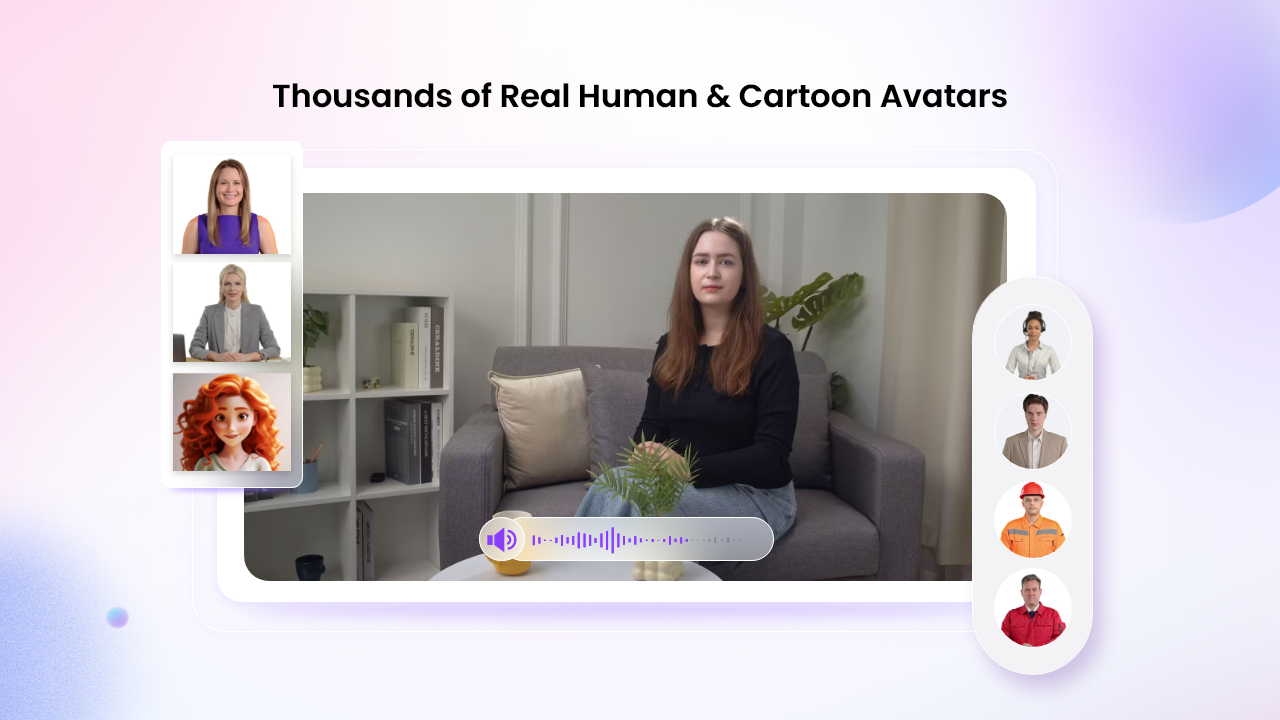
Vidnoz AI offers a wide range of features that make Pinterest video creation faster, easier, and more scalable. Here are the top features of the program:
- Realistic AI Avatars: The program includes 1900+ AI avatars, each from different industries and roles, such as doctors, nurses, hosts, customer support, news reporters, and more. In addition, users can create a digital twin in 40+ languages using Avatar Lite, and Avatar Pro offers deeper customization. The Expressive Avatar feature provides more natural and engaging facial expressions.
- Customizable Templates: Vidnoz AI provides 2800+ video templates, allowing users to create various Pinterest video pins within seconds. With this tool, users can create videos, such as marketing videos, ads, social media posts, tutorials, product demos, and more. The templates can be customized with different text, visuals, colors, fonts, music, and voiceovers.
- High-Quality AI Voices: This tool offers 2000+ AI voices in 140+ languages, including English, Chinese, Turkish, Italian, Spanish, Korean, and more. All the voices available in this program are powered by ElevenLabs, Google, and Microsoft. Users can also adjust voice settings to create a more suitable narration style for their target audience.
- AI Video Wizard: With the help of this tool, users can easily create engaging Pinterest videos with a simple text prompt or any source material — no editing experience or professional help required. Its intuitive and easy-to-use interface makes it an ideal option for non-tech and beginner users.
- Free Version: The best part of this tool is that it offers a free version, allowing users to create high-quality Pinterest videos without spending a single penny. The free version offers 30 free credits and includes advanced tools, such as text-to-video, an online video editor, an AI video enhancer, an AI voice changer, and more.
Part 3: How to Create Pinterest Video Pins With Vidnoz AI
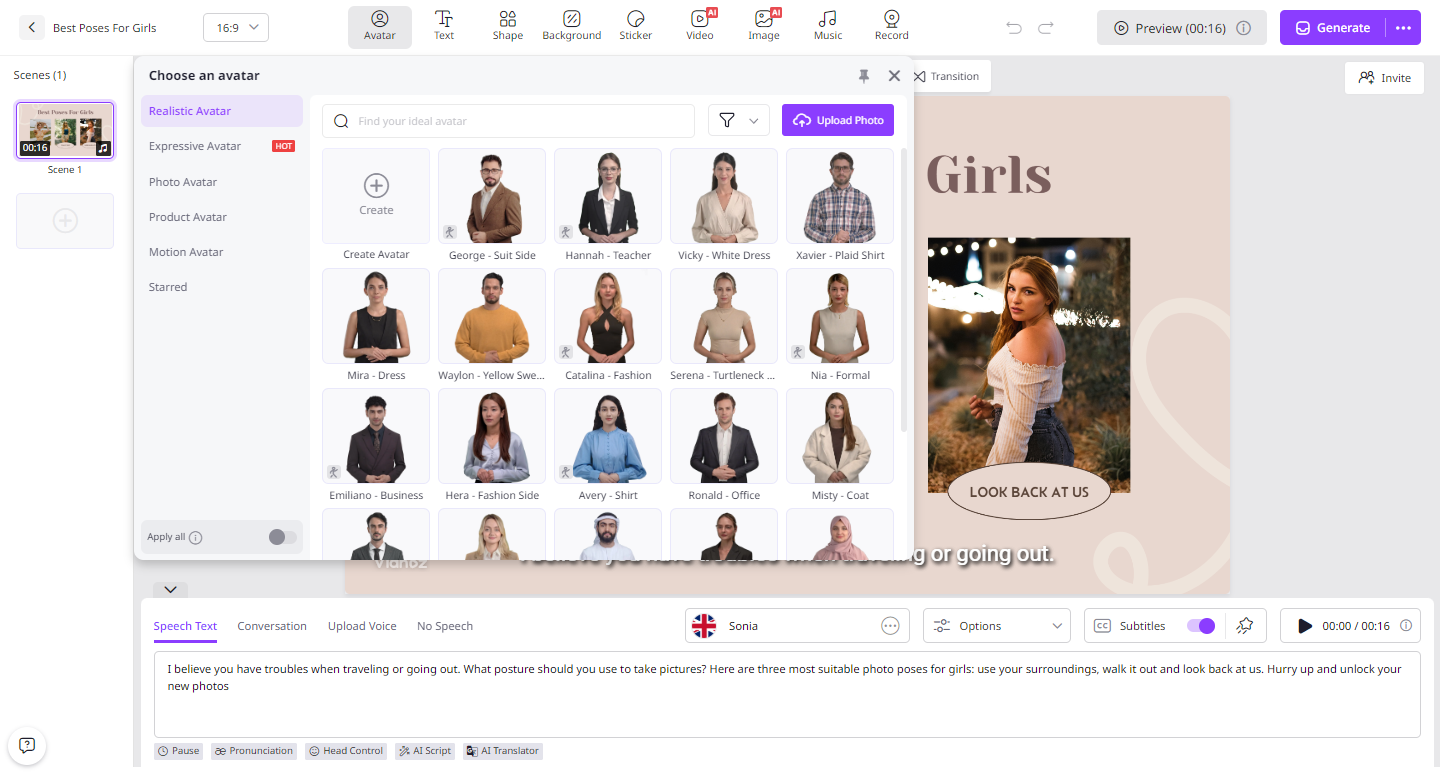
As we’ve mentioned earlier, Vidnoz AI Video Generator offers an intuitive interface, allowing users to create high-quality Pinterest video pins with simple text prompts. Here is how to do it:
- Open your web browser and navigate to the official Vidnoz AI site. Log in to your account and choose the desired video template and AI avatar.
- Enter the text prompt in the prompt box. Choose the AI voice according to your video. Users can also select the video language. The program supports multiple languages, including English and Spanish.
- Next, use the Online Video Editor to customize the AI video according to your requirements. Users can change the background, adjust the aspect ratio, insert text, and more.
- Once all the requirements are complete, click on the “Generate” button to begin the image creation process. Within seconds, Vidnoz AI will provide you with Pinterest video pins. Preview the results and click on the “Download” button to save it in MP4 format.
Part 4: Common Mistakes to Avoid When Automating Pinterest Videos
While automation can speed up Pinterest video production, using it without a proper strategy can affect content quality and audience engagement. Avoid these common mistakes:
- Always Use a Reliable Tool: Choose a trusted AI video creation platform that offers dependable automation, high-quality output, and customizable templates. Vidnoz AI is one of the best options to create high-quality Pinterest videos.
- Don’t Prioritize Quantity Over Quality: Creating a large number of videos is useful only when each Pin provides value. Try creating high-quality pins and avoid repetitive content.
- Don’t Ignore Your Audience: Automation should support your content strategy, not replace it. Make sure every video addresses your target audience’s interests, questions, or needs.
- Create Strong Hooks: Avoid lengthy introductions. Use an attention-grabbing statement, question, benefits, and more. A strong hook should quickly communicate what the viewer can expect from the video.
Part 5: FAQs Related to Vidnoz AI
1. How Many Languages Does Vidnoz AI Support?
With the help of this tool, users can generate Pinterest videos in 140+ languages, including English, Chinese, Russian, Turkish, Italian, Spanish, and more.
2. Is Vidnoz AI Free to Use?
Yes, Vidnoz AI offers a free version, allowing users to create high-quality and multiple Pinterest videos without spending a single penny. The program also offers a paid version, which includes advanced features and capabilities.
3. Does Vidnoz AI Support iOS Devices?
Vidnoz AI is a web-based tool, meaning it works seamlessly with multiple devices, including Android, iOS, Windows, and macOS. You can create videos from any device that supports an internet connection.
Final Thoughts
Scaling Pinterest video Pins by 10X doesn’t have to mean spending 10X more time on content creation. With Vidnoz AI, creators and marketers can streamline the video production process using AI avatars, customizable templates, realistic AI voices, and powerful editing tools. The best part of this tool is that it offers an intuitive interface, which is ideal for non-tech and beginner users.